AI Portrait
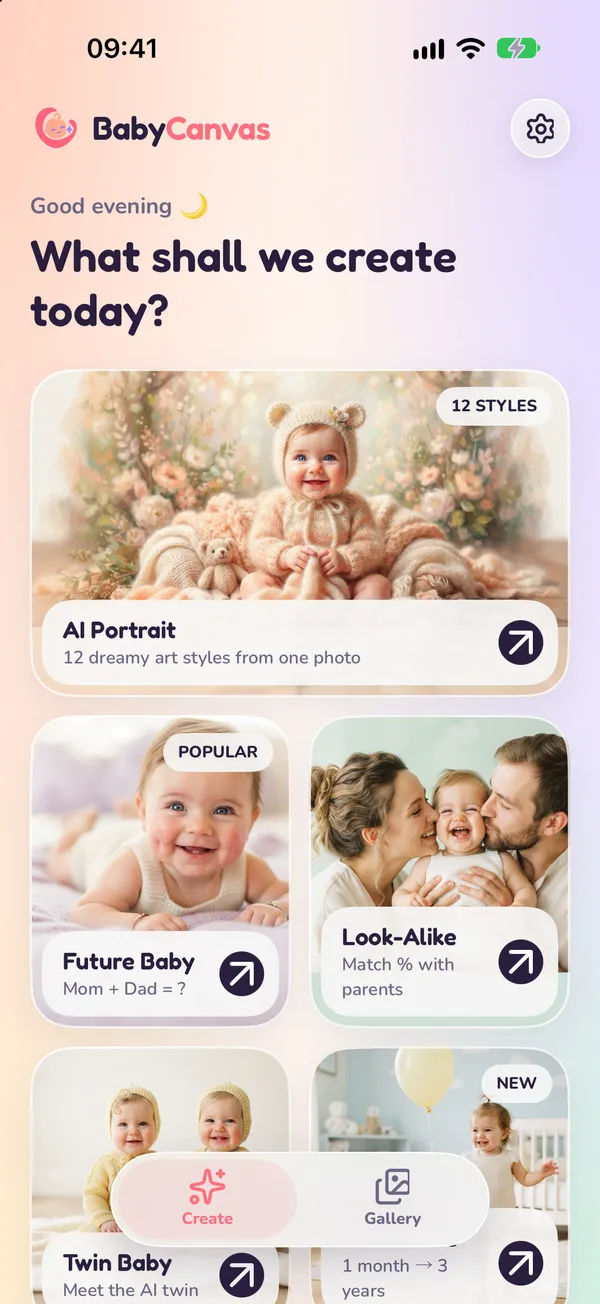
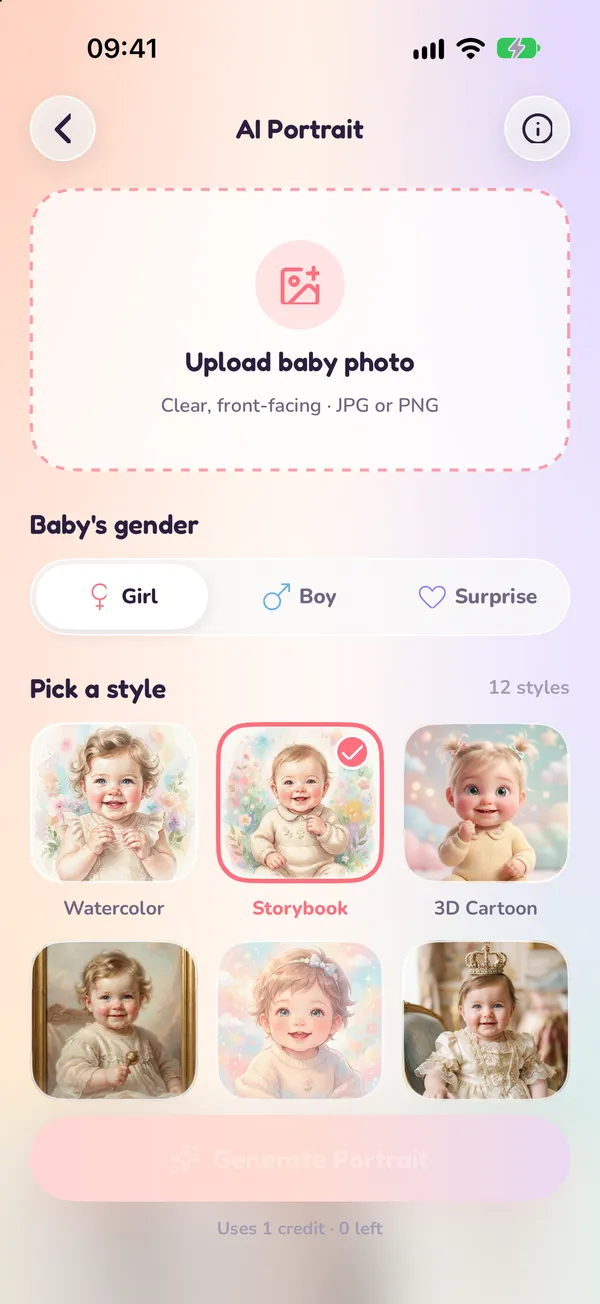
Turn one baby photo into dreamy portraits in 12 art styles, from watercolor and storybook to 3D cartoon.
BabyCanvas turns one photo into dreamy portraits in 12 art styles, imagines your future baby, shows who your little one takes after, and more.
For iPhone. AI creations require a subscription.
Creative AI tools and a friendly photo editor in one app.
Turn one baby photo into dreamy portraits in 12 art styles, from watercolor and storybook to 3D cartoon.
Add a photo of mom and a photo of dad and let AI imagine your future little one.
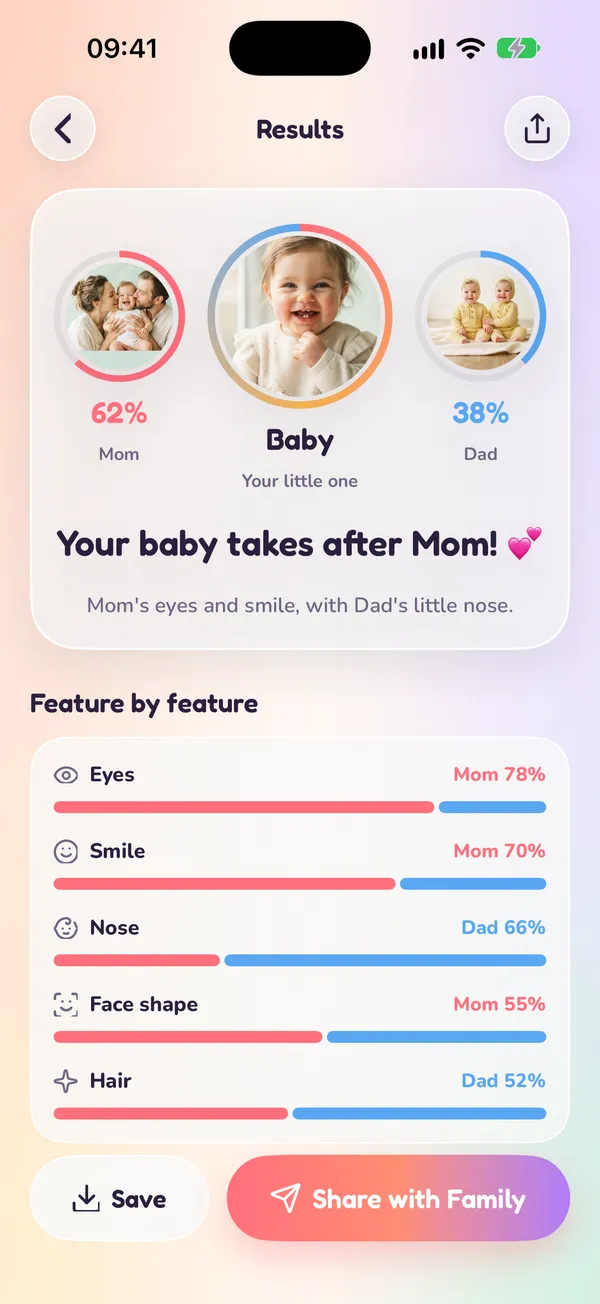
See a percentage match with mom and dad, plus a feature-by-feature breakdown of eyes, smile, nose and more.
Meet an AI twin for your baby: identical or fraternal.
Create monthly and yearly milestone portraits to celebrate every stage.
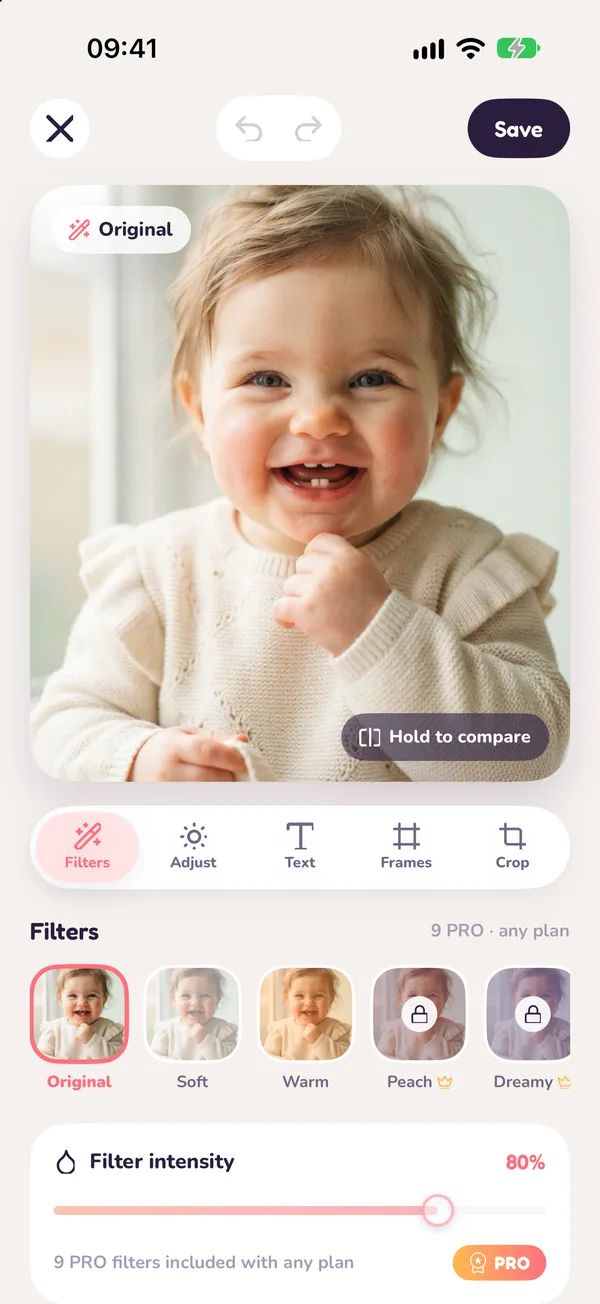
Polish any photo with filters, adjustments, text, frames and crop.
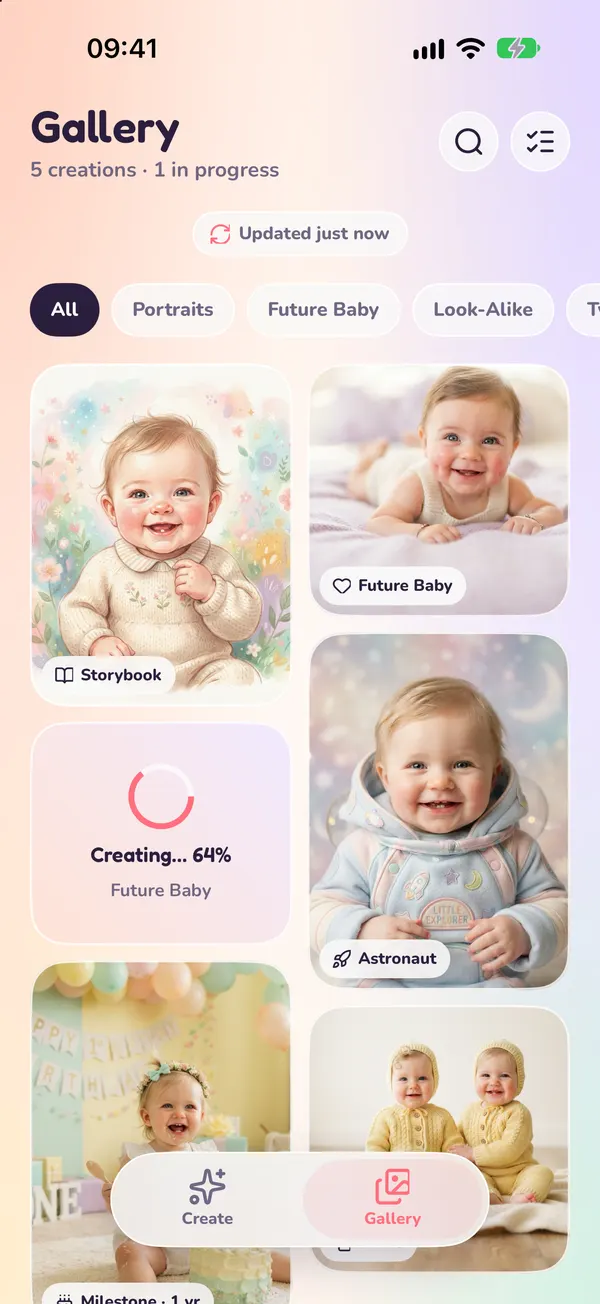
All your creations in one place. Favorite them, save to Photos or share with family.
From photo to keepsake in a few taps.
Choose AI Portrait, Future Baby, Look-Alike, Twin Baby or Milestones.
Upload a clear, front-facing photo, or one of each parent for Future Baby and Look-Alike.
Choose a style and BabyCanvas generates your images. Each request uses 1 weekly creation.
Add filters, text and frames, then save to Photos or share with family.
Simple weekly creations, billed and managed by Apple.
BabyCanvas offers monthly auto-renewing plans (Basic, Standard and Premium), purchased and managed through your Apple ID. Each plan includes a number of AI creations per week, shown in the app before you subscribe.
Each AI request, such as a portrait set, a Future Baby, a Look-Alike analysis, a twin or a milestone portrait, uses 1 creation. Editing your photos in the built-in editor does not use creations.
Your weekly creations refill every 7 days. Unused creations do not carry over to the next week.
If a generation fails, the creation it used is refunded to your balance.
Every plan includes weekly AI creations and unlocks all PRO filters and frames in the photo editor. Higher plans include more creations per week.
Open the Settings app on your iPhone, tap your name, then Subscriptions, and choose BabyCanvas. You can cancel anytime; your plan stays active until the end of the current billing period. Cancel at least 24 hours before renewal to avoid being charged for the next period.
No. Future Baby, Look-Alike and Twin Baby results are artistic AI creations made for fun. They do not predict how a real child will look and are not genetic or medical analysis.
Photos you choose are uploaded to our server and processed by AI models to create your images. You can delete single creations, or all of your data and history from Settings in the app. See the Privacy Policy for details.