
Turn any selfie into anything.
AIPixLab turns one photo into 70+ AI styles, from action figures and anime to pro headshots, and brings photos to life with 24 AI video effects.
For iPhone. Creating images and videos requires PRO or credits.
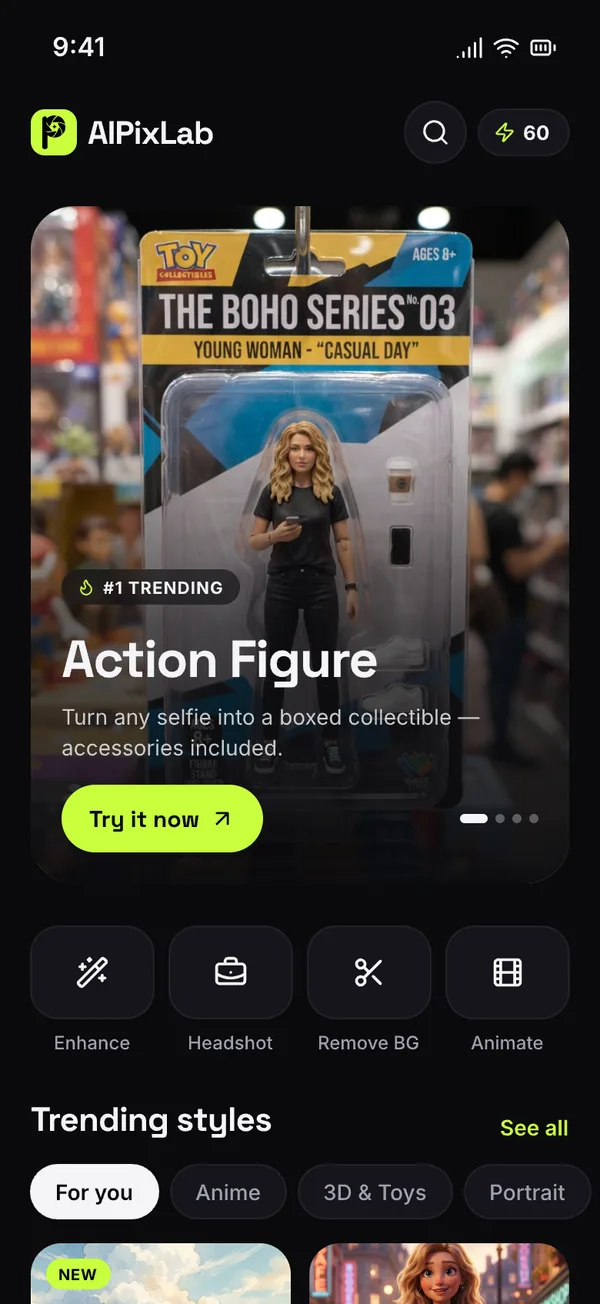
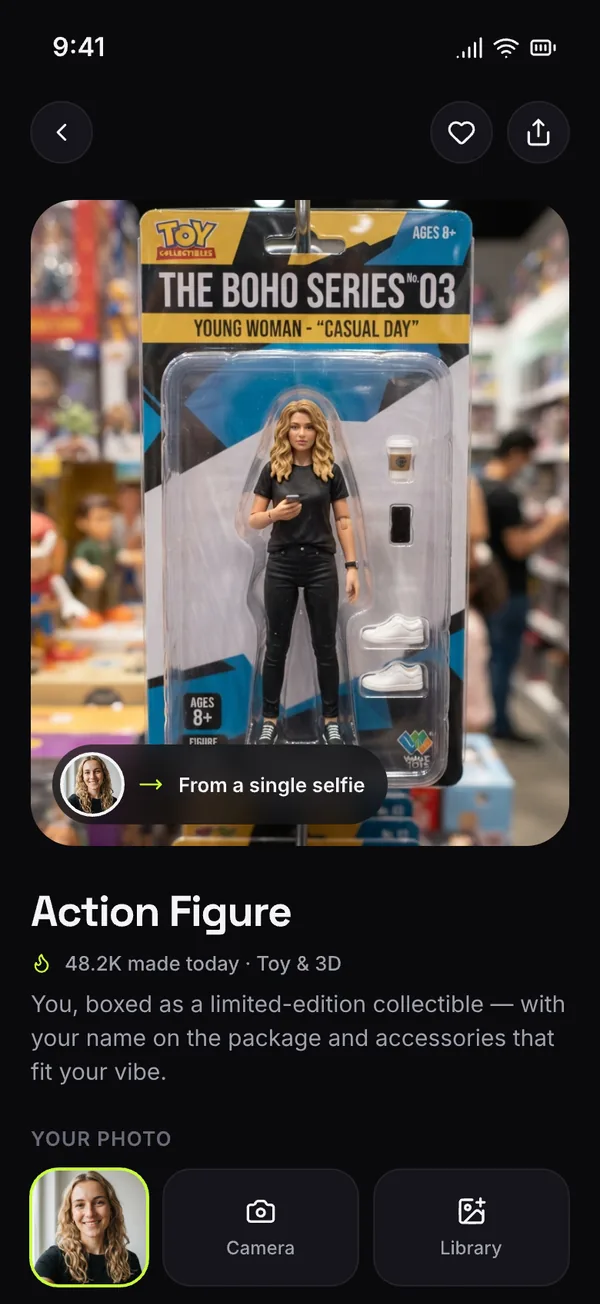
70+ styles. New every week.
Eight categories, from collectible toys and anime to professional portraits, vintage film and fantasy.
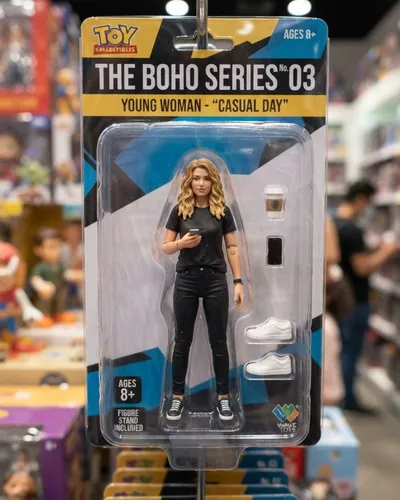











And more across Trending, Portrait, Anime, 3D & Toys, Art, Vintage, Cinematic and Fantasy.
Photos that move.
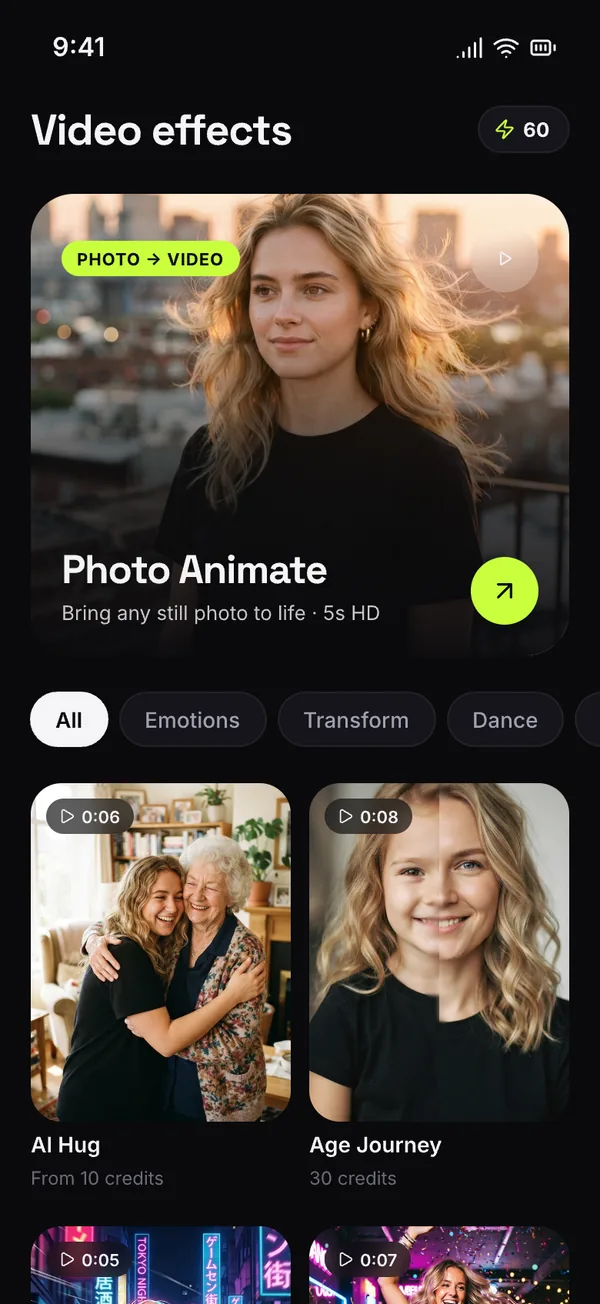
24 AI video effects turn a still photo into a 5 to 10 second clip. Every effect has a sample you can watch in the app first.
How it works
From selfie to something new in a few taps.
Pick a style
Browse 70+ photo styles or 24 video effects, sorted by category and trend.
Add a selfie
Take a photo or choose one from your library. A clear, front-facing photo works best.
Let AI create
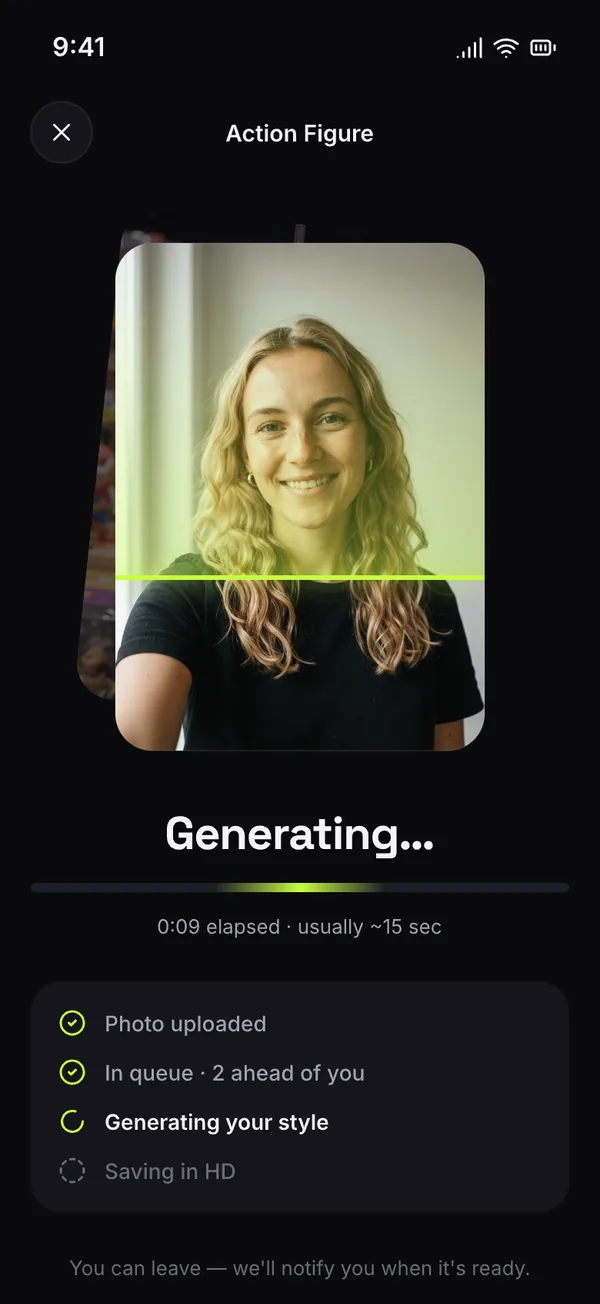
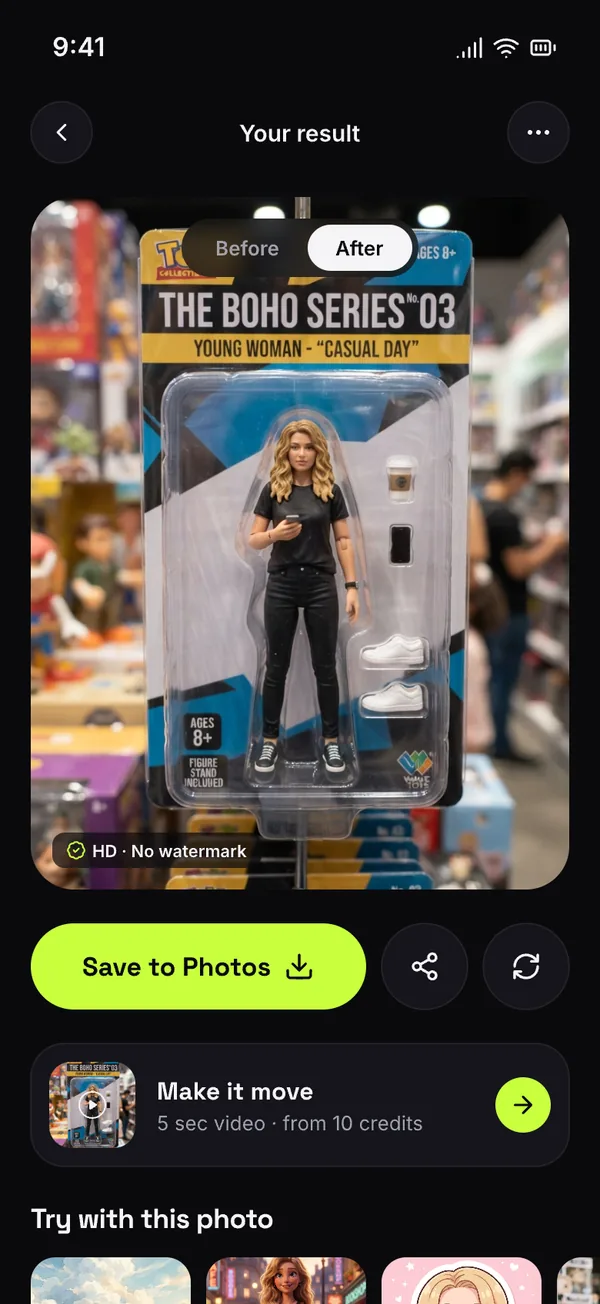
Your result is usually ready in about 15 seconds. You can leave the app; we notify you when it is done.
Save & share
Save to Photos in HD without a watermark, try another style, or turn the result into a video.
PRO & credits
Billed and managed by Apple.
What does PRO include?
PRO unlocks every photo style for unlimited use, HD exports without a watermark, and video credits every period. It is available as a weekly or monthly auto-renewing plan, purchased through your Apple ID. Prices for your country are shown in the app before you subscribe.
How do video credits work?
Each video uses credits based on quality and length: Standard (480p, 5 sec), HD (1080p, 5 or 10 sec) and Cinematic with sound. The cost is shown before you generate. PRO includes credits each period; they reset at renewal and do not roll over. Credit packs are bought once and never expire.
What if a generation fails?
If a photo or video can't be created, the credits it used are returned to your balance automatically.
How do I cancel?
Open the Settings app on your iPhone, tap your name, then Subscriptions, and choose AIPixLab. You can cancel anytime; PRO stays active until the end of the current period. Cancel at least 24 hours before renewal to avoid being charged for the next period.
How do I restore a purchase?
Tap Restore on the PRO screen or in Profile. Your plan is linked to your Apple ID. Credit packs are consumable and can't be restored.
What happens to my photos?
Photos you choose are uploaded to our server and processed by an AI provider only to create the result you asked for. They stay in Creations until you delete them; deleting a creation removes the photo and the result from our server. See the Privacy Policy.